

How to Use QR Codes to Grow Your Text Subscribers
Most QR codes send people to a web form. SMS-based QR codes start a text conversation instead — lower friction, higher conversion, and an instant path to automation.
Every subscriber on your text list chose to be there. You can't buy a list. You can't scrape one together. Every person has to opt in voluntarily.
That makes list growth the first and most important challenge for any brand building an SMS marketing program. And one of the most effective tools for capturing opt-ins — especially offline — is the QR code.
But not all QR codes work the same way. Most brands use QR codes that send people to a web page or form. There's a better approach: SMS-based QR codes that start a text conversation directly on the customer's phone.
Here's how to use both — and why SMS-based QR codes convert better.
Traditional QR Codes vs. SMS-Based QR Codes
Most QR codes work the way you'd expect. A customer scans the code with their phone camera, and it opens a URL — usually a landing page or an online form where they enter their phone number to subscribe.
This works, but there's friction. The customer has to wait for the page to load, find the form, type in their phone number, possibly fill out additional fields, and hit submit. Every step is a chance for them to drop off.
SMS-based QR codes skip all of that.
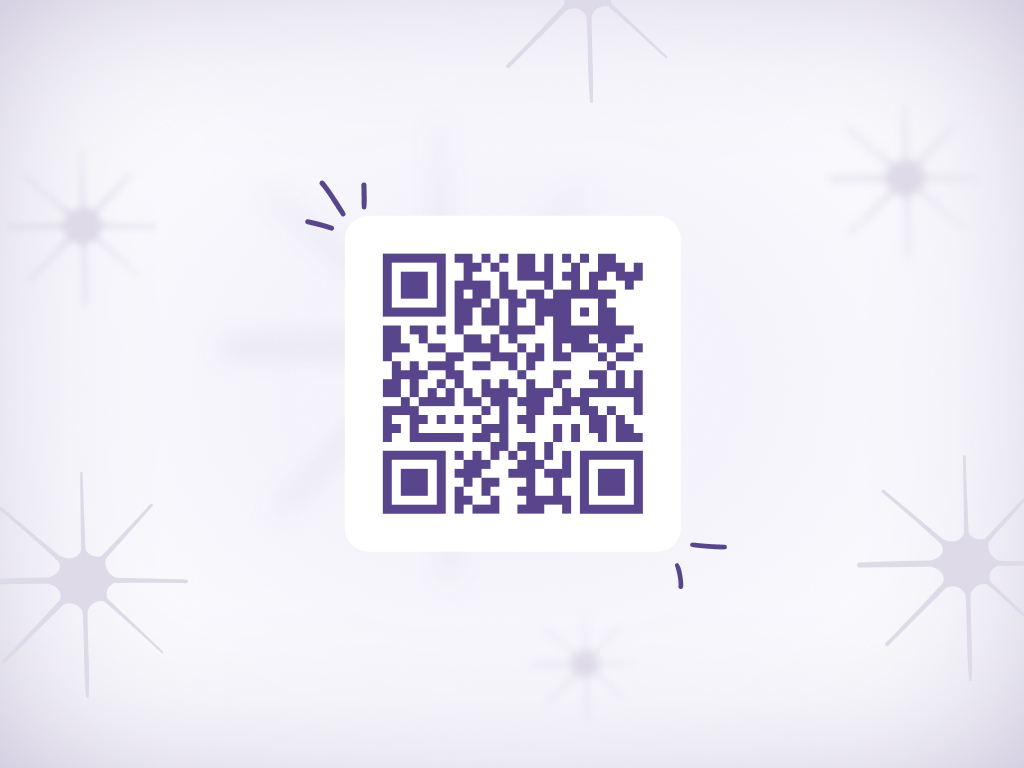
When someone scans an SMS-based QR code, instead of opening a web browser, it opens their phone's native messaging app with a pre-written text message already drafted. The customer sees the message, taps send, and they're done. No web page. No form fields. No typing their phone number. One tap.
That single action — hitting send on a pre-populated text — can trigger an entire automation flow on the backend. The simplest version enrolls the subscriber into your text program and kicks off a welcome sequence. But SMS-based QR codes can do much more than that.
What Happens After the Scan
The moment a customer sends that pre-written text, you have a live SMS conversation. What happens next is up to you.
Simple opt-in and welcome flow
The most straightforward setup: the customer scans, sends the text, and they're subscribed. A welcome message fires immediately — maybe with a first-purchase offer, an introduction to your program, or a reply-to-buy deal they can act on right away.
This is what most brands start with, and it works. The subscriber is enrolled, their phone number is captured, and they've already demonstrated intent by taking that first action.
Data capture through text
Here's where it gets interesting. Because you now have a two-way text conversation going, you can collect information beyond just a phone number.
After the initial opt-in, the automation can ask follow-up questions via text — a quick quiz or survey. What products are they interested in? What's their preferred roast profile? How often do they typically reorder? Each reply captures a data point you can use to segment your audience and personalize future offers.
This works because people are already in their messaging app. Replying to a text question feels natural. Filling out form fields on a web page does not.
Instant purchasing
For brands using text-to-buy, the automation after a QR scan can go even further. After opting in, the subscriber can immediately receive a product offer and complete a purchase — all within the same text conversation. The QR code becomes a direct path from physical touchpoint to completed transaction.
How Fellow Uses Packaging Inserts to Drive Text Signups
Fellow, the coffee and brewing equipment company, runs one of the most successful text programs in DTC through their Fellow Drops program. And QR codes on packaging inserts are a core part of how they grow that list.
When someone buys Fellow hardware — a kettle, a grinder, a dripper — there's an insert inside the packaging that promotes Fellow Drops. The insert includes a QR code that makes enrollment effortless.
Instead of sending the customer to a website and asking them to find a form, the QR code opens a pre-written text message on their phone. They tap send, and they're enrolled in Fellow Drops. A welcome flow triggers automatically, and the customer starts receiving weekly curated coffee offers they can purchase with a simple text reply.
Think about the psychology of that moment. The customer just unboxed a product they're excited about. They're engaged. They're holding their phone. A QR code that says "scan to join our weekly coffee drops" is a frictionless next step — much easier than "visit fellowproducts.com/drops and fill out our signup form."
The lower the barrier, the higher the conversion rate. And Fellow's subscriber retention backs that up. As Erica Chenard, Fellow's Director of Ecommerce, puts it: "The stickiness of our Fellow Drops program underscores how successful it is. Subscribers aren't just one-and-done. They keep coming back; buying 5, 10, or even 20 drops."
That kind of engagement starts with making the opt-in as easy as possible. A QR code on a packaging insert, one tap to send a text, and the customer is in.
QR Codes for Product-Level Replenishment
There's another use case that goes beyond list growth: putting a QR code directly on the product label itself, tied to that specific product.
Think about a consumable product — a bag of coffee, a bottle of supplements, a jar of skincare. The customer is using it, they're running low, and they want to reorder. Normally they'd have to open a browser, navigate to the store, find the product, add it to their cart, and go through checkout. Or they wait for a reminder email they might not open.
With a product-level QR code, you print "Reorder this product" right on the label. When the customer scans it, instead of landing on a product page, it generates a pre-written text message on their phone — something like "I'd like to reorder [Product Name]." They hit send, and it triggers a text-to-buy flow for that exact product. Payment and shipping are already on file from their first purchase. The reorder is done in seconds.
This is where SMS-based QR codes move beyond list growth and into direct revenue generation. You can generate a unique QR code for each product in your catalog, and each one maps to a specific text-to-buy campaign. The customer doesn't need to browse. They don't need to log in. They scan the label in front of them and confirm the purchase with a text.
For brands selling consumables — coffee, supplements, wellness products, wine, pet food — this turns every physical product into its own reorder button. The replenishment moment happens exactly when it should: when the customer is holding the product and thinking about buying more.
Pair this with AudienceTap's AI-timed replenishment drops and you have two paths to repeat purchases working together — proactive text reminders timed to the customer's consumption pattern, plus a passive reorder QR code right on the product whenever they want it on demand.
Where to Put QR Codes
The best placements are wherever your customer is already paying attention and has their phone nearby. Here are the highest-converting spots:
Product packaging and inserts
Every order you ship is a physical touchpoint with someone who already bought from you. A card insert with a QR code turns a one-time customer into a text subscriber. This is the Fellow model — and it works for any DTC brand shipping physical products.
The offer on the insert matters. "Join our text club" is vague. "Scan to get first access to our weekly drops" or "Scan for a $10 credit on your next order" gives them a reason to pull out their phone.
In-store signage and counters
For brands with retail locations — or products sold in partner stores — counter cards, table tents, and window signage with QR codes capture foot traffic. A coffee shop can put a QR code next to the register: "Scan to join our text list and never miss a new roast."
The SMS-based approach works especially well here. Customers in a store don't want to stand at the counter filling out a web form. Scan, tap send, done.
Events, trade shows, and pop-ups
Events are some of the highest-converting moments for list growth. People are engaged, they're in discovery mode, and they have their phones out. QR codes on booth signage, table tents, or handouts make opting in effortless.
Pair the QR code with a compelling hook: a giveaway entry, an exclusive event-only offer, or early access to something launching soon. The welcome text should fire immediately while the interaction is still fresh.
Print marketing
Brochures, flyers, postcards, catalogs, print ads — any physical marketing material is a candidate. A QR code turns static print into an interactive touchpoint. Assign unique keywords to different campaigns so you can track which materials drive the most signups.
Digital channels
QR codes aren't just for physical placements. Display them in social media posts, email newsletters, live streams, or webinars. During a livestream, put a QR code on screen: "Scan to join our text list for an exclusive offer." Viewers grab their phone, scan, and they're in — without leaving the stream or typing a URL.
Best Practices for QR Code List Growth
Make the value proposition clear. Don't just show a QR code with "scan here." Tell people exactly what they'll get: exclusive offers, early access, a discount, weekly drops. Give them a reason to scan.
Use SMS-based QR codes over web-form QR codes whenever possible. The fewer steps between scanning and subscribing, the higher your conversion rate. A pre-populated text message is one tap. A web form is five or six.
Send the welcome message immediately. The moment someone opts in, they should hear from you. A welcome text within seconds of the scan confirms the subscription worked and sets the tone for your program. If you're using text-to-buy, this is a great time to send a welcome offer they can purchase right away.
Use unique keywords per placement. Assign different keywords to QR codes in different locations — one for packaging inserts, another for event signage, another for in-store displays. This lets you track exactly which placements drive the most subscribers and double down on what works.
Keep the design clean. A QR code surrounded by cluttered graphics will get ignored. Give it space, add a short call-to-action line above it, and make sure it scans reliably. Test every QR code on multiple devices before printing.
Think about timing. The best QR code placements catch people at moments when they're already engaged with your brand — unboxing a product, attending an event, visiting your store, watching your content. Meet them where their attention already is.
Final Thoughts
QR codes eliminate friction from the opt-in process. SMS-based QR codes eliminate even more. Instead of sending someone to a web page and hoping they fill out a form, you put a pre-written text message on their phone and let them hit send.
One tap, and you have a new subscriber. One tap, and an entire automation flow can trigger — a welcome sequence, a data capture quiz, or even a first purchase.
For DTC brands serious about growing their text list, the combination of strategic QR placement and SMS-based opt-in flows is one of the highest-leverage tactics available. Every product you ship, every event you attend, every store you're in becomes a list-building opportunity.
The brands that grow the fastest make subscribing feel effortless. A QR code that starts a text conversation is about as effortless as it gets.
AudienceTap is a text-to-buy platform that lets customers purchase products by replying to a text message — no links, no carts, no checkout pages.
With reply-to-buy purchasing, AI-timed replenishment drops, abandoned cart recovery, and list growth tools, AudienceTap turns SMS from a traffic channel into a sales channel. Brands on the platform average $2.01 in revenue per message and 5.5% conversion rates on drops.
Talk to a text-to-buy expert to see if text-to-buy is right for your brand.