SMS Marketing
How to Use QR Codes to Grow Your Text Subscribers
Most QR codes send people to a web form. SMS-based QR codes start a text conversation instead — lower friction, higher conversion, and an instant path to automation.



Your store is full of customers who are already engaged with your product — browsing shelves, trying on items, waiting at the register. But when they walk out the door, the relationship ends unless you capture a way to reach them. Traditional retail sign-ups rely on cashiers typing emails into a system or customers filling out clipboards. Most people skip it.
QR codes for SMS capture solve this by letting customers subscribe on their own terms, using their own phone, in three seconds. No cashier involvement, no data entry errors, no holding up the line.
14-day free trial | No contract | 500 free messaging credits
Last updated
The typical retail list-building flow looks like this: a sign at the register says "Join our email list for 10% off." The cashier asks for the customer's email while ringing them up. The customer spells it out while a line forms behind them. The cashier types it in — sometimes incorrectly — and the customer walks out.
Or the store sets up an iPad with a form near the entrance or register. Customers are supposed to stop, type in their info, and submit. Most people walk past it. Those who do stop often abandon the form halfway through because it's too many fields or the keyboard is glitchy.
Neither method works well. Cashier-led capture is awkward and slow. Self-serve forms have low completion rates. And both approaches only capture email — not SMS, which is where conversion actually happens.
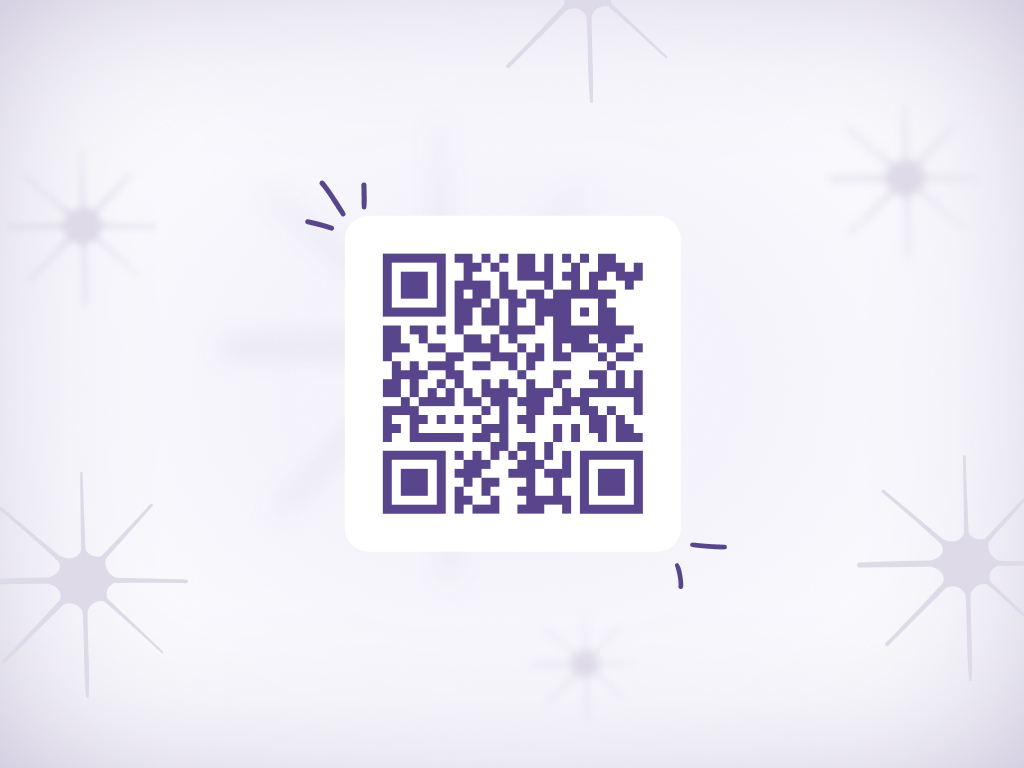
With AudienceTap's QR code tools, you place a branded QR code at the register, on a shelf talker, or on window signage. The customer scans it with their phone's camera. A pre-written text message appears in their messaging app. They hit send — subscribed. No form, no typing, no app to download.
The entire interaction takes three seconds and requires zero involvement from your staff. The customer does it on their own phone while they're waiting to check out, browsing a product, or walking past your storefront. The sign-up happens at their convenience, not when a cashier prompts them.
Because the action is scan-and-send, there's no data entry error. The phone number is captured directly from their device. And because it's SMS, you now have the highest-engagement marketing channel — not just another email address that lands in a crowded inbox.
| Aspect | Traditional | With AudienceTap |
|---|---|---|
| Customer action | Spell out email address to cashier or type into iPad form | Scan QR code, hit send |
| Time to complete | 30-60 seconds (if they bother) | 3 seconds |
| Staff involvement | Cashier has to ask and type it in | None — customer does it themselves |
| Data accuracy | Typos and misspellings common | Perfect — captured directly from their phone |
| Channel captured | Email only | SMS — the highest-converting channel |
| Checkout slowdown | Yes — holds up the line | No — happens while they wait or browse |
QR codes work anywhere a customer pauses long enough to pull out their phone. The key is placing them in high-visibility, high-dwell locations.
Table tent or counter card at the register — customers scan while waiting to check out.
Shelf talkers next to hero products — "Scan to get reorder reminders and new drop alerts."
Storefront window sticker or sign — captures foot traffic before they even walk in.
Sign inside fitting rooms — shoppers have time to scan while trying on items.
QR code at the bottom of receipts — "Scan to join our text list for early access to new arrivals."
For cafes and restaurants — "Scan to get notified when new coffees or specials drop."
No links, no carts, no checkout pages. The conversation is the checkout. See how brands sell out drops in minutes.


Weekly Coffee Drop
No. Modern smartphones (iPhone and Android) scan QR codes natively through the camera app. The customer points their camera at the code, taps the notification, and a pre-written text message appears. They hit send to subscribe.
Yes. AudienceTap lets you set the pre-written message that appears when the QR code is scanned. You can customize it to include a welcome offer, set expectations, or explain what they're signing up for.
They receive an instant welcome message confirming their subscription. You can configure this message to include a discount, a product recommendation, or the next drop date — whatever drives the first conversion.
High-visibility, high-dwell locations work best. Point-of-sale counters (customers waiting to check out), shelf signage near hero products, fitting rooms, and window displays are all strong placements. Test multiple locations and see where you get the most scans.
Yes. You can create unique QR codes for different locations (register vs. shelf vs. window) and track performance for each. This helps you identify which placements work best and optimize accordingly.
Any brand with a physical retail presence. If you have foot traffic, you have subscribers — you just need an easy way to capture them.
Capture event leads in real time with QR codes — attendees scan, send, and join your SMS list instantly.
Turn every shipment into a subscriber acquisition opportunity with QR codes on packaging and inserts.
Capture SMS subscribers at checkout with text-to-join keywords — no cashier typing, no data entry errors.
QR Code to SMS Opt-In is a list growth tactic where scanning a QR code pre-populates a text message, allowing customers to opt in to SMS marketing by simply hitting send.
SMS Opt-In is how consumers give permission to receive business texts. Opt-Out is how they revoke it — typically by replying STOP. Both are required under TCPA regulations.
SMS Keyword Campaigns use a specific word (e.g., "COFFEE" or "JOIN") that customers text to a phone number or short code to opt in, trigger an automation, or access a promotion.
SMS List Growth encompasses the strategies and tactics brands use to build their text subscriber list — from QR codes and keyword opt-ins to website forms and email cross-promotion.
Try a live demo on your phone
Enter your number to experience a Text-to-Buy flow firsthand.
Speak to an expert
Get a free 1-on-1 consultation with personalized setup recommendations for your brand.