SMS Marketing
How to Use QR Codes to Grow Your Text Subscribers
Most QR codes send people to a web form. SMS-based QR codes start a text conversation instead — lower friction, higher conversion, and an instant path to automation.



Event leads are the most perishable kind. An attendee stops by your booth, samples your product, expresses genuine interest — and then disappears into the crowd. If you don't capture their contact info in that moment, the lead is gone. Traditional event capture relies on business cards, sign-up sheets, or iPad forms. All of those methods create a gap between the initial interest and your follow-up.
QR codes for SMS capture eliminate that gap. The attendee scans, sends a text, and is instantly on your list. Your welcome message fires before they've even left your booth. The lead is warm, captured, and ready to convert.
14-day free trial | No contract | 500 free messaging credits
Last updated
The standard event lead capture flow: attendee stops by your booth, you hand them a clipboard or iPad and ask them to enter their email. They type in their info — sometimes accurately, sometimes not. Or you collect their business card and promise to follow up later. Or you use a badge scanner that captures their event registration info.
Then, days after the event, you manually enter the sign-up sheet data into your CRM, upload the business card scans, or export the badge scanner CSV. You send a follow-up email to everyone who stopped by. By that time, the attendee has forgotten who you were, the product they sampled, and why they cared. Your follow-up email lands in a crowded inbox alongside 50 other post-event vendor emails. Open rates are abysmal.
Event leads die in the delay. The longer the gap between initial interest and first follow-up, the colder the lead gets.
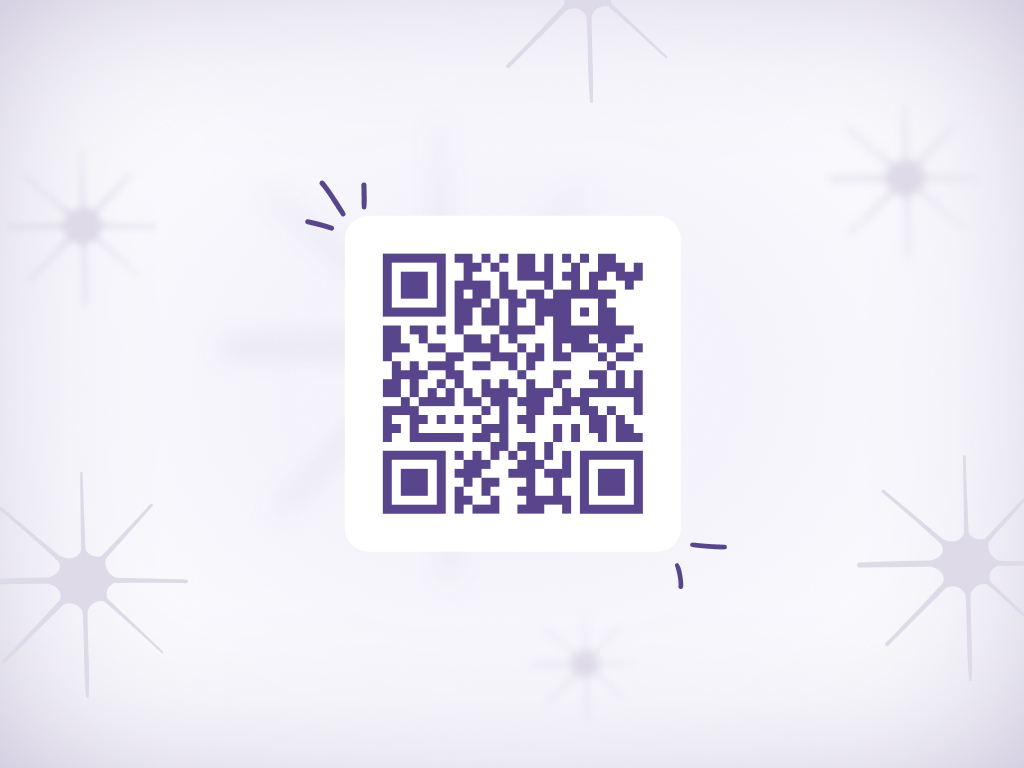
With AudienceTap, you place a QR code on your booth banner, table tent, or handout card. The attendee scans it with their phone, a pre-written text message appears, they hit send — subscribed. The entire interaction takes three seconds and happens while they're still standing at your booth.
Instantly, they receive a welcome text thanking them for stopping by and offering a next step — maybe a discount on their first order, a link to your product catalog, or an invite to your next drop. The follow-up happens in real time, while the attendee is still engaged and the product is still fresh in their mind.
Because the lead is captured via SMS, your follow-up messages have a 98% open rate instead of the 15-20% you'd get with email. And because the attendee opted in by texting you first, they're expecting to hear from you — your messages don't feel like cold outreach.
| Aspect | Traditional | With AudienceTap |
|---|---|---|
| Lead capture method | Clipboard, iPad form, or business card collection | Scan QR code, send text |
| Time to capture | 30+ seconds to fill out a form | 3 seconds to scan and send |
| Data entry required | Yes — manual entry after the event | None — captured automatically in real time |
| Follow-up timing | Days later via email | Instant welcome text while still at the booth |
| Follow-up open rate | 15-20% (email) | 98% (SMS) |
| Lead temperature | Cold by the time you follow up | Hot — captured and engaged in real time |
Place QR codes wherever attendees naturally pause and engage with your brand. The goal is to make scanning the code the easiest next step.
Large, visible QR code on your booth backdrop — attendees can scan from across the aisle.
QR code on a table tent at your booth — attendees scan while browsing your product display.
Give attendees a branded lanyard or badge holder with a QR code — they carry your sign-up tool with them all day.
Stickers, postcards, or sample bags with a QR code — "Scan to join our text list and get 15% off."
QR code next to your product samples — "Loved it? Scan to get notified when it drops."
Include a QR code on your final slide if you're speaking or presenting — audience scans to stay connected.
No links, no carts, no checkout pages. The conversation is the checkout. See how brands sell out drops in minutes.


Weekly Coffee Drop
Yes. You can set up a custom welcome series that fires as soon as they text in. Include a thank-you message, an event-specific offer, or a product recommendation based on what they sampled at your booth.
Create unique QR codes for each event or booth location. AudienceTap tracks sign-ups by source, so you can measure which events deliver the best ROI and optimize your event strategy.
Absolutely. Many brands send an instant welcome text when the attendee scans, then follow up a day or two later with a "thanks for stopping by" message and a limited-time offer to convert the lead while it's still warm.
They won't be added to your list. The opt-in only happens when they actually send the text. This ensures compliance — you're only capturing people who actively chose to subscribe.
Any brand exhibiting at events, trade shows, tastings, pop-ups, or festivals where capturing leads quickly matters.
Capture SMS subscribers in-store with scan-and-send QR codes at the register, on signage, or on shelves.
Turn every shipment into a subscriber acquisition opportunity with QR codes on packaging and inserts.
Capture subscribers from print ads, radio spots, and podcasts with memorable text-to-join keywords.
QR Code to SMS Opt-In is a list growth tactic where scanning a QR code pre-populates a text message, allowing customers to opt in to SMS marketing by simply hitting send.
SMS Opt-In is how consumers give permission to receive business texts. Opt-Out is how they revoke it — typically by replying STOP. Both are required under TCPA regulations.
An SMS Welcome Series is an automated sequence of text messages sent to new subscribers immediately after opt-in, designed to introduce the brand, set expectations, and drive a first purchase.
Try a live demo on your phone
Enter your number to experience a Text-to-Buy flow firsthand.
Speak to an expert
Get a free 1-on-1 consultation with personalized setup recommendations for your brand.