

Welcome Flow Setup Guide
Last updated February 14, 2026
Welcome Flow Setup
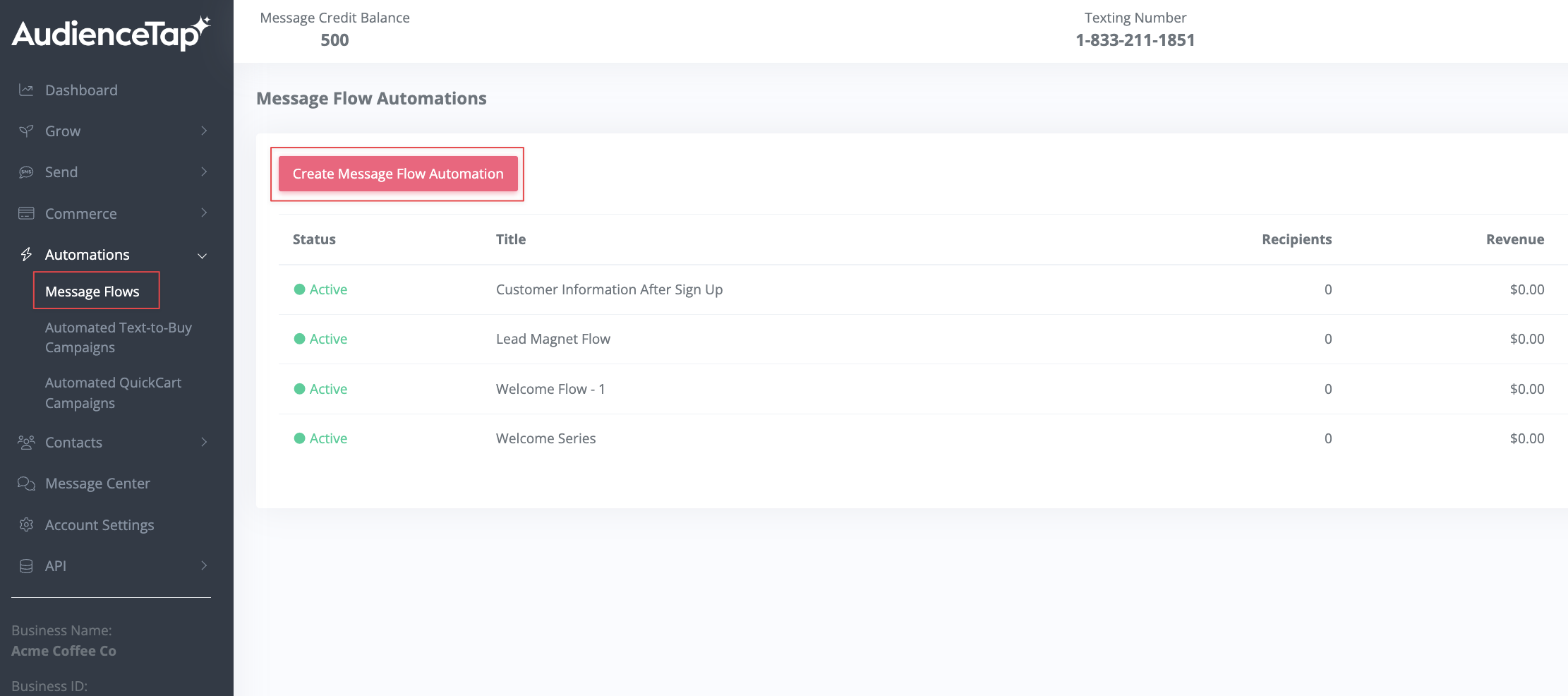
Automations > Message Flows
A Welcome Flow sends an initial welcome message when someone fills out an Online Form, scans QR Code, or sends a Textword trigger. This message should outline the program, what the subscriber can expect, and provide an option to stop receiving messages.
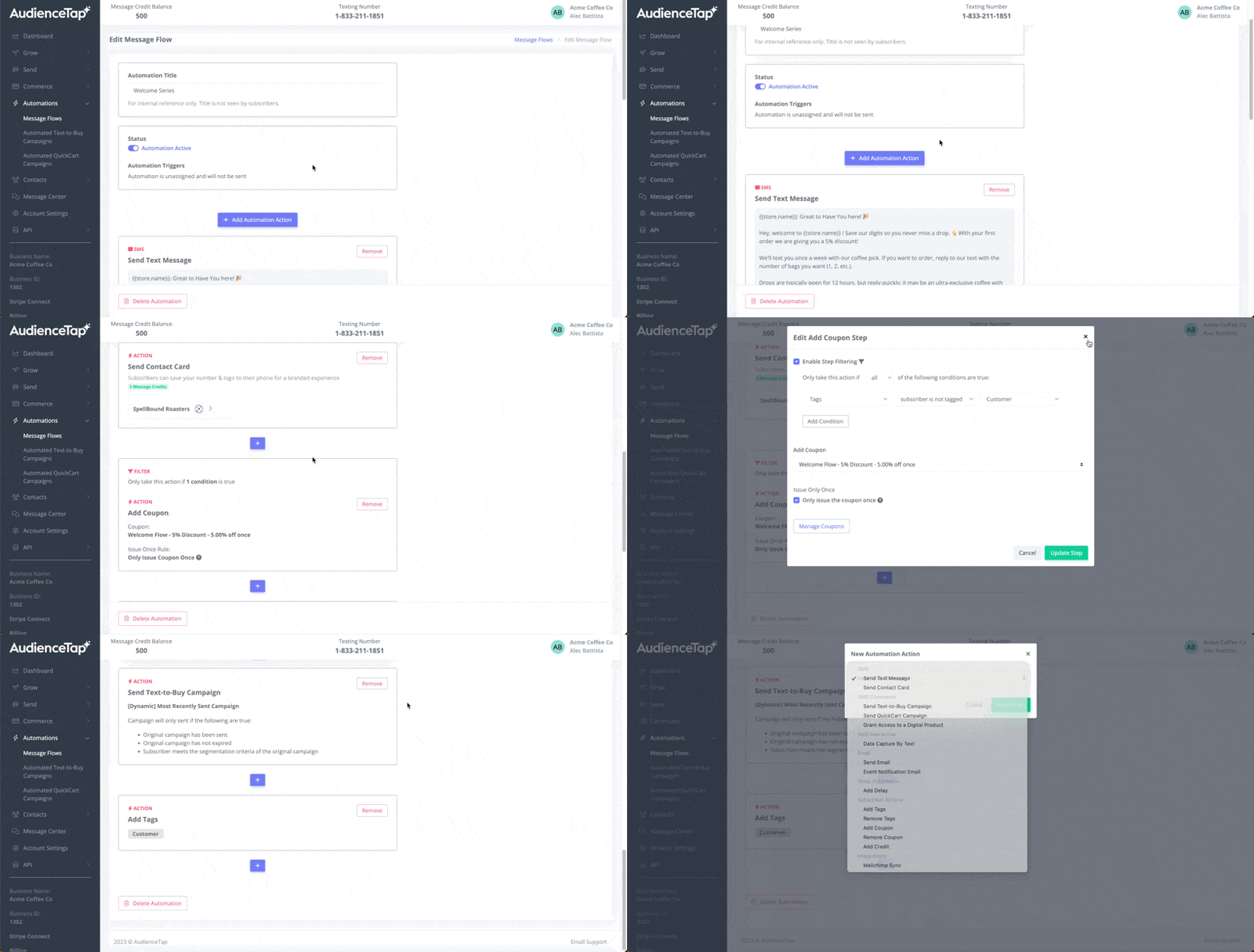
Be sure to include your contact card with the initial welcome message. This allows the customer to save your contact information. The benefits of including your contact card are better brand recognition and higher message visibility, as messages are less likely to be filtered as spam if the contact is saved.
Text-to-Buy Campaign Integration
Inside your Welcome Flow you have the option to add an automation action that dynamically sends the most recent Text-to-Buy campaign to new subscribers who join on the day of the drop. For Example: If a new subscriber joins on the day of a product drop, they receive a message about that drop immediately with the option to purchase.
Incentives and Credit Issuance
Credit for New Subscribers can help boost conversion rates for current and future campaigns. Offer a small credit (e.g., $5) to new subscribers as an incentive through another automation action. Ensure this is only issued once per subscriber by using a tagging system.
Add a tag for new subscribers when they are issued the credit. This prevents them from receiving the credit multiple times.
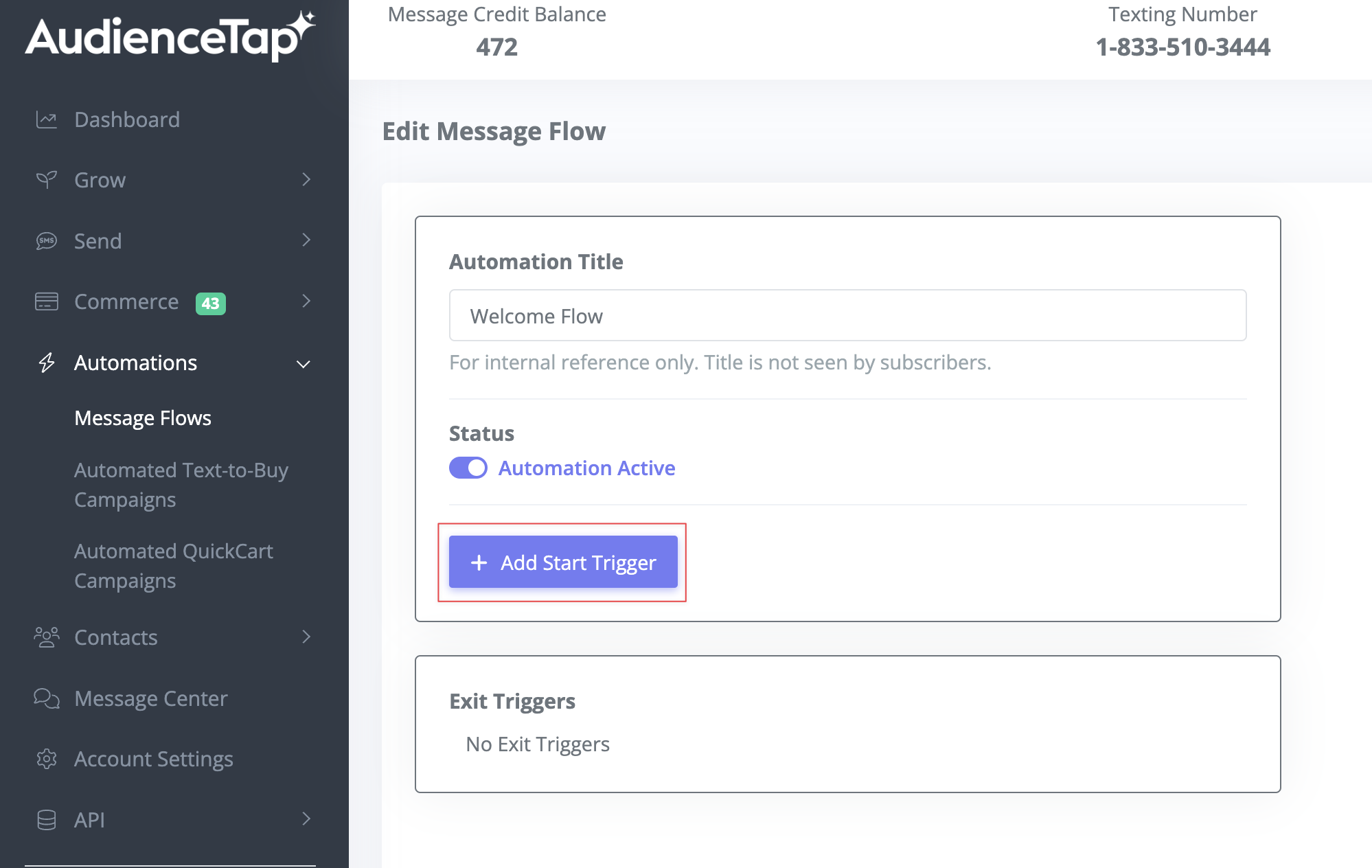
Start Triggers
Assign the start triggers to initiate your Welcome Flow (ie: Add Tags, QR-Code Scan, Online Form Completion, etc..)