

Message Center Guide
Last updated February 14, 2026
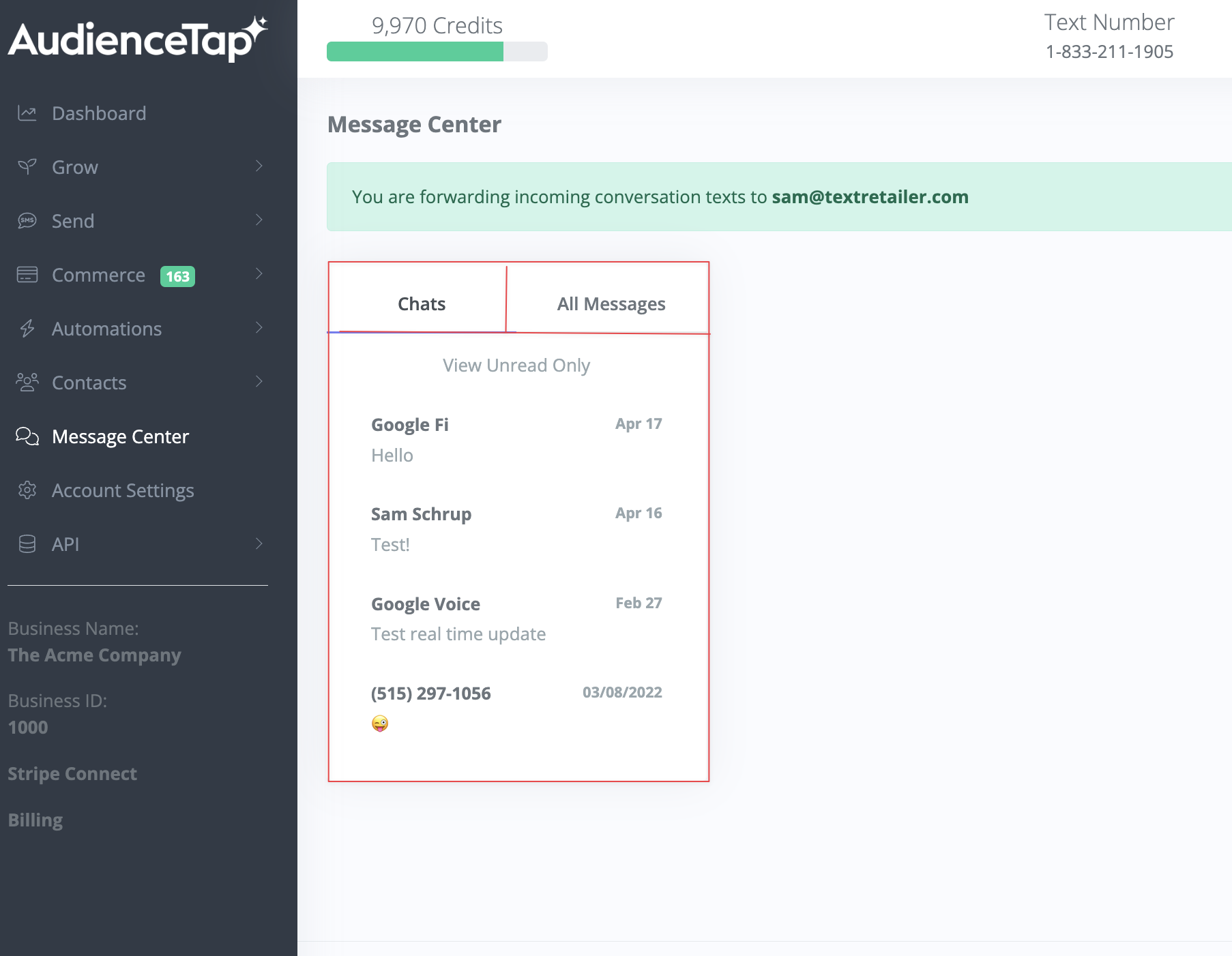
The Message Center is designed to help you manage customer communications efficiently. It features two main folders: Chats and All Messages. Here's a clear and straightforward guide to using it.
All Messages Folder
This folder captures all inbound messages from your customers.
Contents:
- All Inbound Messages : Every message your customers send.
- Automated Responses: Messages the system understands and handles automatically, such as order confirmations or common queries.
- Excludes Outbound Messages: This keeps the folder focused and uncluttered.
Chats Folder
This folder highlights messages that need your attention because the system doesn’t understand them.
Contents:
- Unclear Messages: Questions or comments that the system can't process automatically, such as detailed inquiries or ambiguous requests.
- Non-Text Messages: Emojis, reactions, or any non-standard text inputs.
Notification System
- Get notified via email when a new message arrives in the Chats folder. The email includes a direct link to the specific message.
- Receive notifications on the mobile app, enabling you to respond quickly from anywhere.