

Importing & Exporting Contact Lists
Last updated February 14, 2026
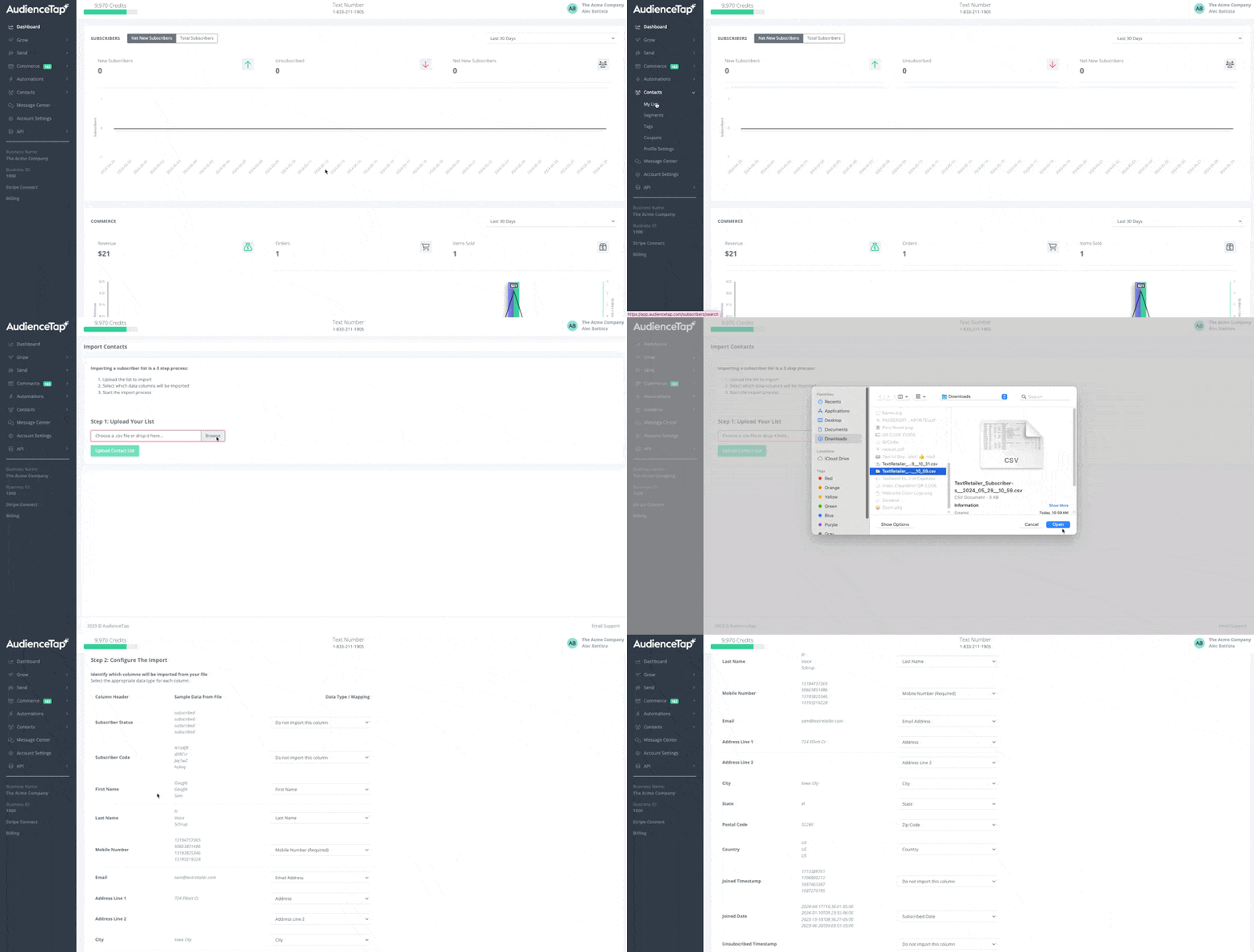
Import Contacts
Go to Contacts > My List > Import Contacts
Select which fields you'd like to import from your CSV
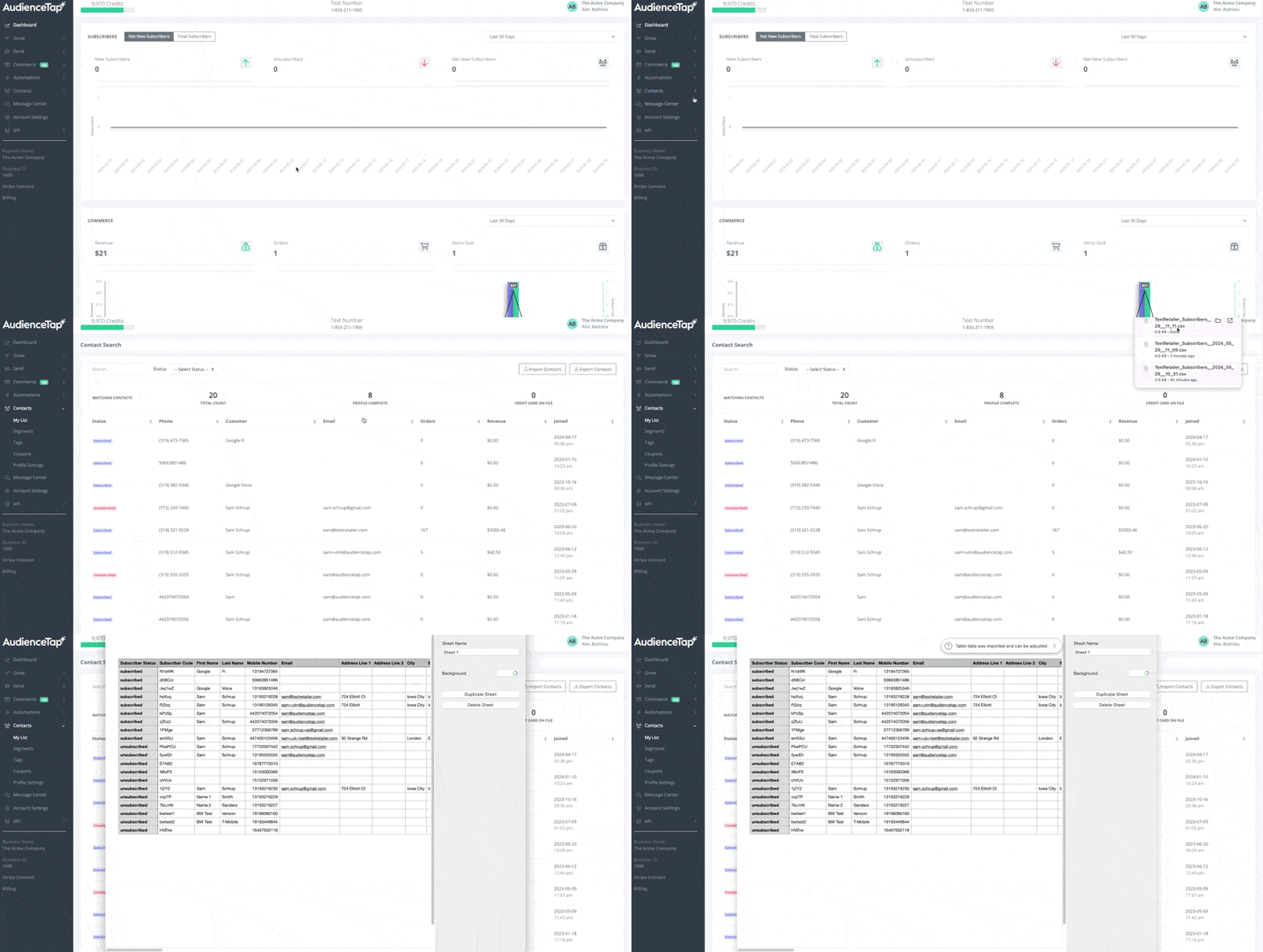
Export Contacts
Go to Contacts > My List > Export Contacts
This will be downloaded into a CSV where you can view contacts, name, email, address, phone number, joined date, etc..